Please Note: For anyone downloading the app from the GDrive link!
This application is a prototype and might be unstable. It has been tested by me on a Google Pixel 10 Pro XL, and it works fine for me. But I cannot guarantee it will work on your device. Also, the application is RAM-heavy, so it might not run on low-end devices.
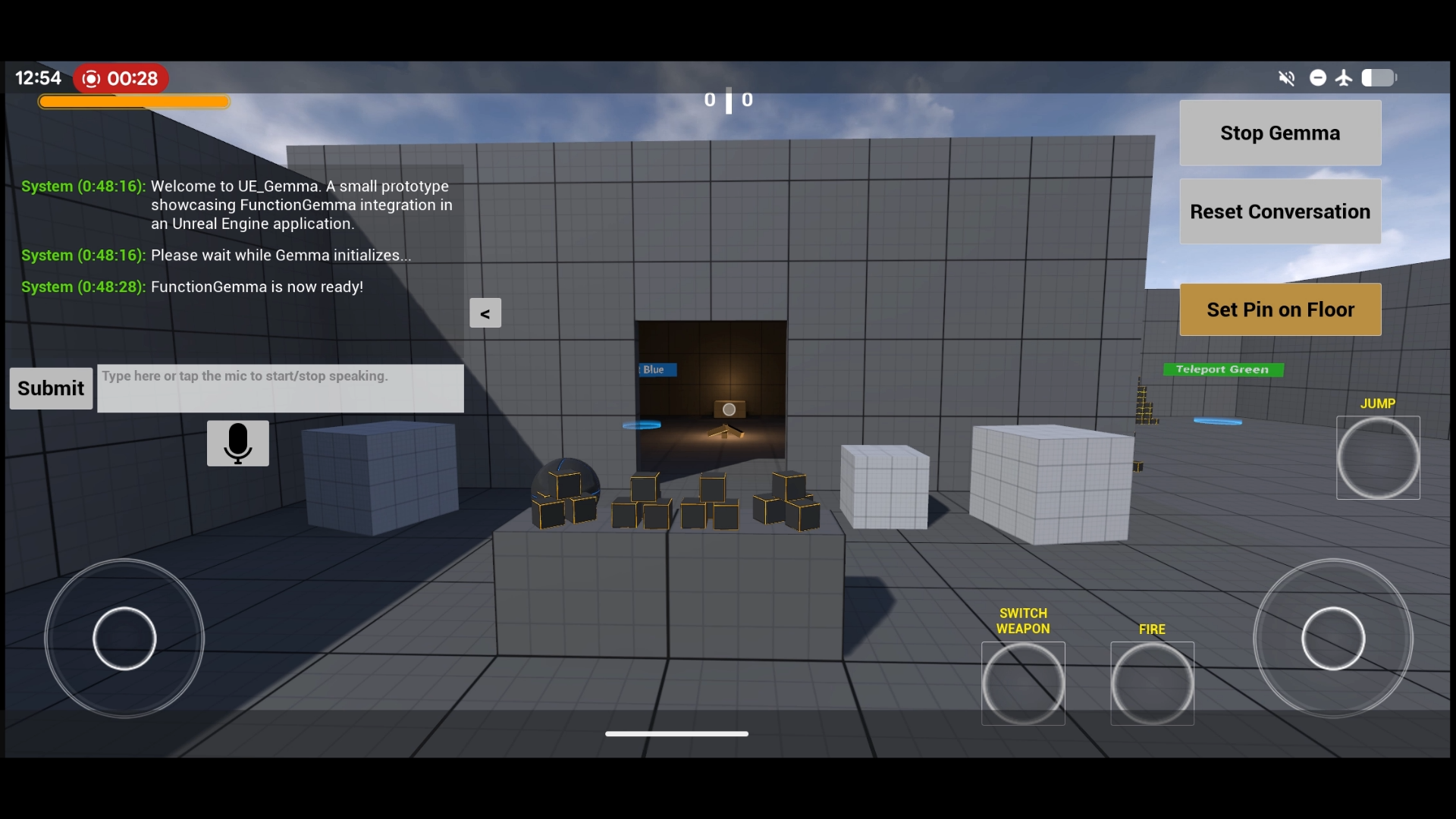
Since the launch of FunctionGemma-270M, I have been curious about its potential applications in games. A locally running AI model which can act as your personal assistant/guide/best-friend in large open-world games (or any other genre for that matter…) seems like a really fun feature! So I thought why not build this myself and see how it goes.
Features
- First Person Shooter Template with Touch controls.
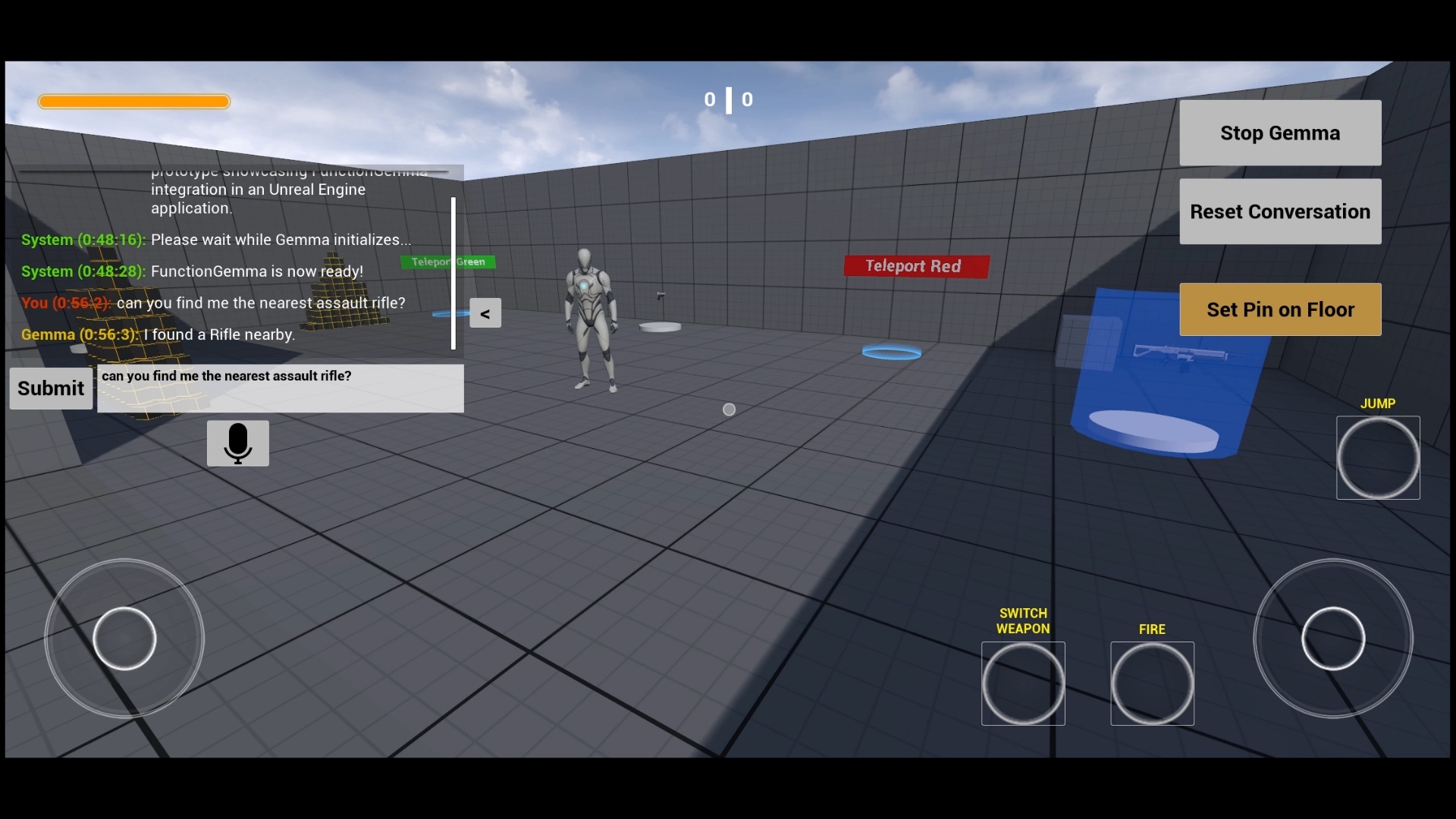
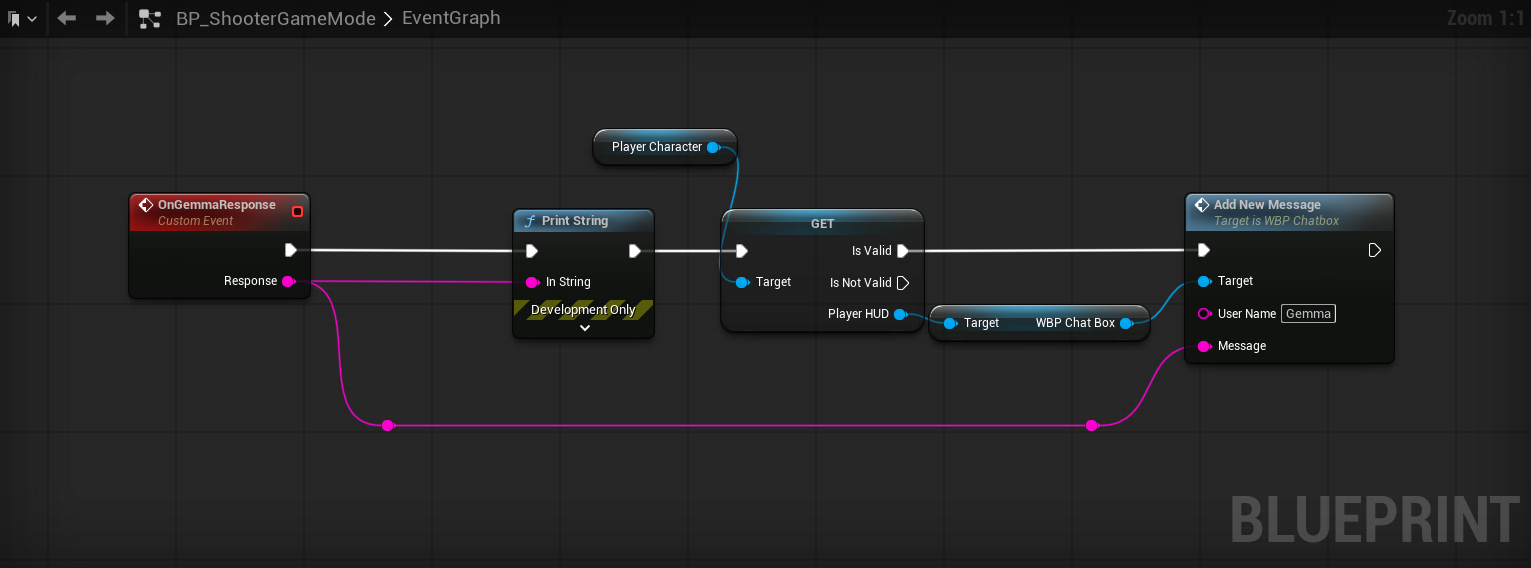
- A chatbox where you can chat with the FunctionGemma model, and it responds back!
- Also added Speech-To-Text so that you can talk to the AI instead of typing!
- This application can run fully offline as the FunctionGemma model runs locally on the device. You might need internet for Speech-to-Text if you don’t have the English language packs installed on your device.
Game Logic
I decided to use the First Person Shooter template provided by Unreal Engine as a starting point so that I wouldn’t have to spend time working on the boiler-plate game logic setup (setting up the character, animations, player controller, inputs, etc.). Then I planned out some functions that FunctionGemma should be able to perform, which are as follows:
- Change Time of Day: A simple function which toggles between day and night in-game.
- Find Nearest Weapon: There are multiple weapon pickups in the level. So this function would find the weapon pickup closest to the player and highlight it on-screen with audio.
- Teleport Player: Similar to weapon pickups I have placed multiple “Teleport” markers across the level, each with a distinct color code. This function can teleport the player to the teleport marker as per the provided input color.
- Find Weapon: This function is similar to the “Find Nearest Weapon” function, but instead of highlighting the nearest weapon, it can find a specific type of weapon pickup for you. In the level there are 3 unique weapons Assualt Rifle, Pistol (Handgun) and Grenade Launcher, so you can request for the specific weapon you want and it highlight that for you.
- Change Weapon Color: This function can change the color of the weapon that the player is currently holding. I have provided some hard-coded colors like Red, Green, Blue, White, Black, Pink, but if no color input is provided it will paint it in a random color.
FunctionGemma Setup
Fine-tuning
Once the function signatures were defined and their actual functionality was implemented in-game, it was time to create a custom fine-tuned version of FunctionGemma for my game.
I used the Mobile-Actions sample dataset as a reference to create a dataset for my functions using Antigravity. It helped me write a Python script which generated a dataset of around 3000 samples.
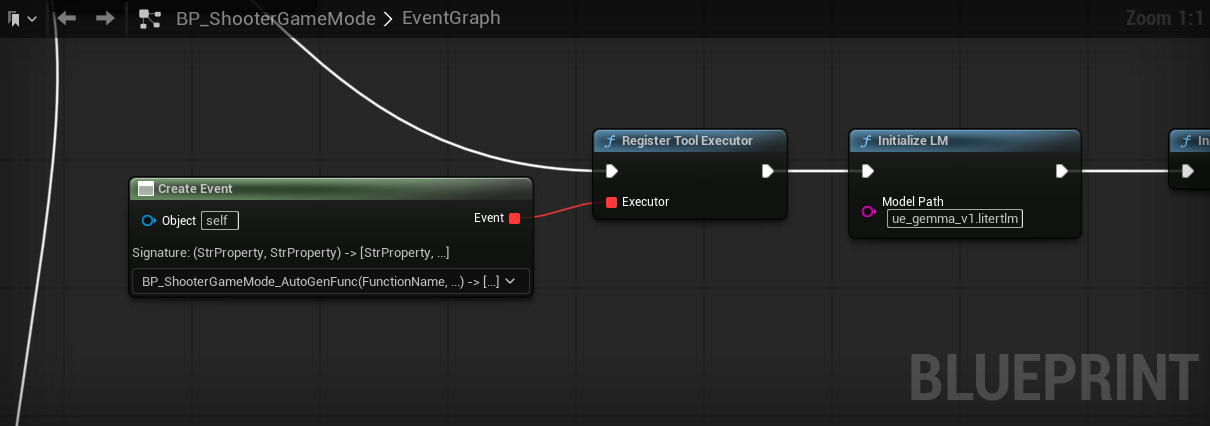
Then I used the Mobile-Actions notebook to fine-tune the model and export a .litert-lm version of the model which is supported by Android devices.
Unreal Engine Integration
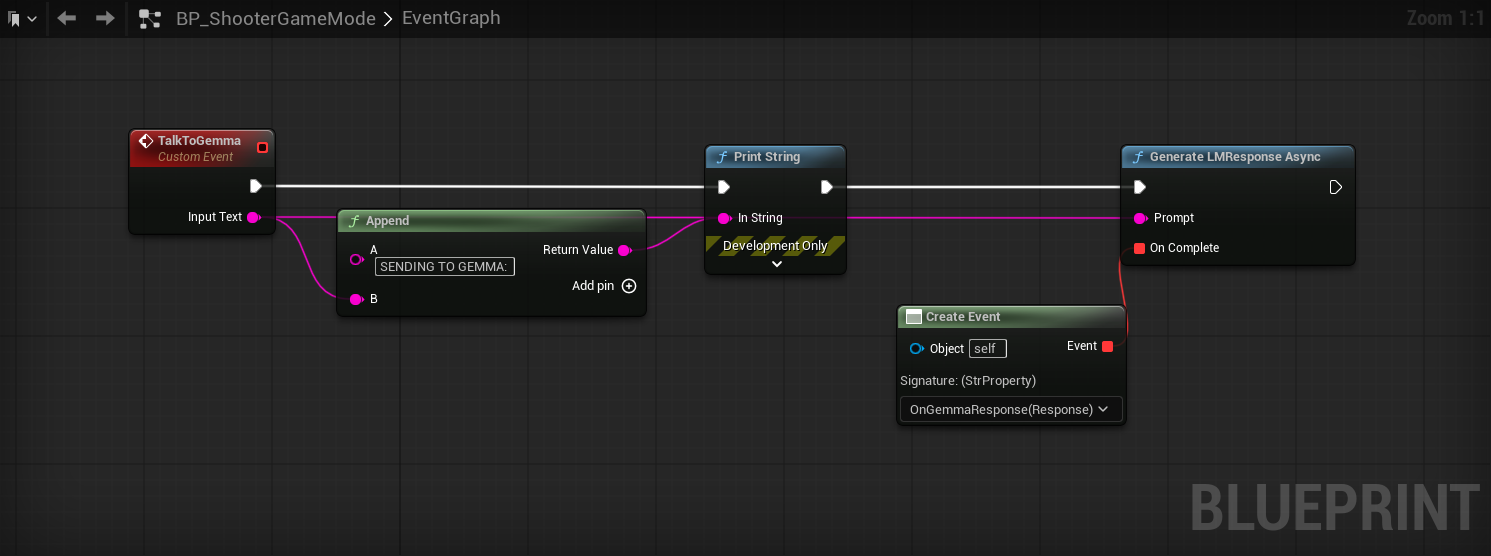
For the FunctionGemma integration I had to create a custom Blueprint Function Library Plugin in Unreal Engine which would handle the communication between the game and the FunctionGemma model. Creating the plugin allowed me to create an Unreal Plugin Language (UPL) file, which is the hero of this application.
Based on my understanding a UPL file acts as a “JNI Bridge” - allowing you to write native Java code within your Unreal Engine application. This code can be used to access native Android functionalities in your app which are outside the scope of Unreal Engine (ex. Using native Android Speech-to-Text in your game).
The native Java functions created in the UPL file are then called by BlueprintCallable C++ functions defined in the Blueprint Function Library.
The UPL file handles the litert-lm android API and the Android Speech-to-Text module. It also handles all the additional permissions (ex. Microphone access) that I needed for the app to work.
As I’m not very well-versed with Java or Kotlin, I used Antigravity and Gemini to help me write the UPL code. As the litert-lm API is still in Alpha, Gemini also made a lot of mistakes which I had to fix but at the end it worked like a charm!
Learnings
This was a fun and challenging project which helped me learn a lot of new concepts,
- Concepts like
UPLandJNIare something that I had never heard of before, and this project helped me understand them better. - This project gave me a better understanding of asynchronous operations in Unreal Engine and how to handle them across C++ and Java code.
- I also got to conceptually understand the entire process of fine-tuning an LLM model using my own dataset.
I think that FunctionGemma and other such function-calling LLM models are going to become an inevitable part of games in the near future. The capability-to-cost (processing and memory needs) ratio of these models is already pretty good, but I’m sure that it will get even better, and these models will be even more powerful while being even lighter in the future.